The Importance of Choosing the Right Device for IPTV
While IPTV itself is a fantastic service, the device you use to stream the content plays a huge role in the quality of your experience. The right device can enhance streaming quality, reduce buffering, and provide access to additional features, making the viewing experience more enjoyable. The wrong device, however, could result in low-quality streaming, lag, or a lack of compatibility with the IPTV service you want to use.
Choosing the right IPTV device depends on various factors, such as your existing setup, budget, and desired features. It’s essential to consider the device’s compatibility with IPTV services, ease of setup, performance, and additional functionality like support for apps or smart features.
Popular Devices for IPTV Streaming
Smart TVs
Smart TVs have become an essential part of the modern home entertainment system. They are equipped with built-in internet connectivity and app stores, allowing users to install various apps, including those for IPTV streaming. With a Smart TV, you can access streaming services like Netflix, YouTube, and even IPTV providers directly without the need for any additional devices.
Advantages of Using Smart TVs for IPTV
One of the biggest advantages of using a Smart TV for IPTV streaming is convenience. You don’t need extra devices like streaming sticks or set-top boxes. With IPTV apps available on platforms like Samsung Smart Hub, Android TV, or LG’s webOS, you can directly access IPTV services through your TV’s user interface.
Smart TVs also offer high-definition picture quality, with many models supporting 4K resolution. This ensures that you get the best possible viewing experience when streaming IPTV channels or movies. Additionally, Smart TVs are generally easy to set up, and many come with built-in Wi-Fi, so you don’t have to worry about connecting external cables.
How to Set Up IPTV on a Smart TV
Setting up IPTV on a Smart TV is straightforward, especially if the TV has a built-in IPTV app. Most Smart TVs have an app store where you can download popular IPTV apps like IPTV Smarters, SS IPTV, or TiviMate.
- Install the IPTV app: Go to your TV’s app store, search for the IPTV app of your choice, and install it.
- Enter the IPTV provider details: After installing the app, open it and enter the details provided by your IPTV provider, such as username, password, and server URL.
- Enjoy streaming: Once configured, you can browse channels, catch up on shows, and enjoy on-demand content directly from your Smart TV.
Amazon Firestick
Amazon Firestick is one of the most popular devices for streaming IPTV. It’s an affordable, portable solution that can turn any regular TV with an HDMI port into a Smart TV. The Firestick offers access to popular streaming apps like Netflix, Hulu, and Amazon Prime Video, but it also supports a wide range of IPTV apps.
Benefits of Using Firestick for IPTV Streaming
One of the main benefits of using Firestick for IPTV is its ease of use. It’s compact, inexpensive, and can be set up in minutes. It’s also very versatile, supporting a wide variety of apps and services, including many popular IPTV providers.
With Firestick, you can stream content in Full HD, and many versions of the device even support 4K resolution. This makes it an ideal choice for those who want a cheap, yet high-quality IPTV streaming experience. Moreover, Firestick integrates well with Amazon Alexa, so you can use voice commands to control the device.
Step-by-Step Guide to Set Up IPTV on Firestick
Setting up IPTV on a Firestick is simple and quick. Here’s how:
- Install the IPTV app: Go to the Amazon Appstore, search for the IPTV app you want to use (e.g., IPTV Smarters or TiviMate), and install it.
- Sign in with your IPTV provider details: Open the app, enter your IPTV service provider credentials, including the server URL and account details.
- Start streaming: Once set up, you can access channels, VOD, and other IPTV content directly from your Firestick.
Roku
Roku is another popular streaming device, known for its ease of use and access to a wide range of streaming services. While Roku doesn’t have a dedicated IPTV app, it’s still possible to use third-party apps to access IPTV content.
Roku and IPTV Streaming: Compatibility and Features
Roku provides access to numerous streaming services, but IPTV is not natively supported. However, you can install private IPTV apps via the Roku channel store or sideload third-party apps using a method called screen mirroring from another device.
Roku’s user interface is simple, making it easy to navigate between live TV, on-demand content, and other streaming services. Additionally, Roku devices are affordable and widely available, making them a good option for those who want to experiment with IPTV streaming on a budget.
How to Stream IPTV Using Roku
Streaming IPTV on Roku involves a few extra steps compared to other devices:
- Set up a third-party app: Use apps like MyIPTV or Plex to access IPTV content on Roku.
- Mirror your device: Alternatively, use screen mirroring from a smartphone or tablet to project the IPTV service onto your Roku-connected TV.
- Stream IPTV content: Once set up, you can enjoy IPTV channels and VOD services directly on your TV.
Android TV Boxes
Android TV Boxes are versatile, cost-effective devices that run on the Android operating system. These devices connect to your TV via HDMI and offer a complete Android experience, allowing you to install various apps, including IPTV services.
Why Choose Android TV Boxes for IPTV?
Android TV Boxes are perfect for users who want a customizable IPTV experience. You can install nearly any IPTV app, including premium services or free apps. Additionally, many Android TV Boxes support 4K streaming, providing excellent picture quality.
These boxes also come with a variety of ports, including USB and HDMI, allowing you to connect external devices like hard drives or gaming controllers. With Android TV Boxes, you get complete control over your IPTV setup, from the apps you choose to the content you access.
Setting Up IPTV on an Android TV Box
To set up IPTV on an Android TV Box:
- Install an IPTV app: Go to the Google Play Store, download your preferred IPTV app.
- Log in to your IPTV service: Enter the necessary details like username, password, and server URL.
- Start enjoying IPTV: Browse channels, watch movies, and enjoy a personalized IPTV experience.
Factors to Consider When Choosing a Device for IPTV
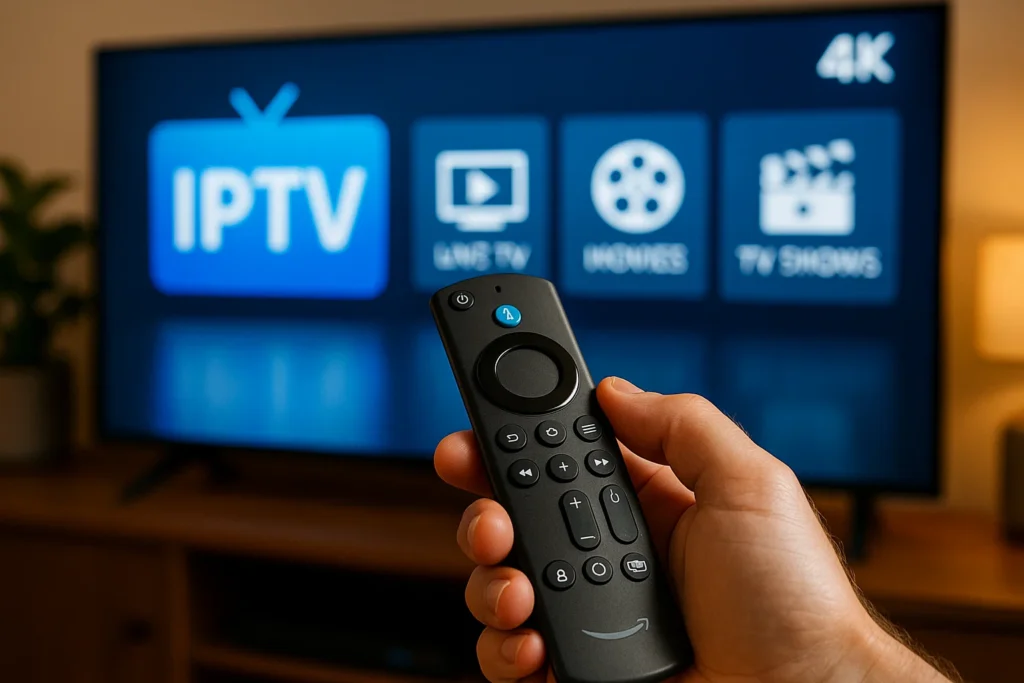
Choosing the right device for IPTV streaming isn’t just about picking the most popular or affordable option; it’s about matching the device to your needs. Whether you’re after the highest streaming quality, the best compatibility with services, or just something easy to set up, here are the key factors to consider before making your decision.
Device Performance and Streaming Quality
The performance of your chosen device is crucial to ensuring a smooth and enjoyable IPTV streaming experience. It’s essential to focus on two main performance factors: processing power and streaming quality.
- Processing Power: A device with a strong processor will handle the decoding of high-definition content more effectively, reducing lag and buffering issues. Devices with quad-core processors (like some Android TV Boxes and newer Smart TVs) tend to offer faster processing speeds than simpler options like basic streaming sticks.
- Streaming Quality: Look for a device that supports HD or 4K streaming, depending on your preferences. If you have a 4K TV and want to enjoy content in ultra-high definition, choose a device that supports 4K playback (e.g., Roku Ultra or Amazon Firestick 4K). A poor-quality device will often result in lower video resolution, poor color accuracy, and buffering during streaming, especially with live TV content.
Device Compatibility with IPTV Services
Before selecting an IPTV device, it’s crucial to make sure it is compatible with your IPTV service provider. Some IPTV services may only work with certain devices or apps, so doing a little research on compatibility is important.
- App Availability: Does the device support the IPTV app of your choice? Popular apps like IPTV Smarters, TiviMate, or MyIPTV are available on Android TV Boxes and Firestick, but Smart TVs and Roku may have more limited options. For example, Roku doesn’t natively support many IPTV apps, so you might need to rely on third-party apps or use screen mirroring.
- Service-Specific Features: If you’re using a service with specialized features (e.g., catch-up TV, VOD, or time-shifting), you’ll need a device that supports these features. Always check the IPTV provider’s website for any device-specific requirements.
Ease of Use and Setup
Ease of use is another significant factor when selecting an IPTV device. A simple, user-friendly interface will help you navigate through content without unnecessary frustration.
- Smart TVs tend to offer the most intuitive experience, as they have dedicated IPTV apps and user-friendly remote controls. Setting up IPTV on a Smart TV usually involves just downloading the app and logging in with your IPTV service credentials.
- Streaming devices like the Amazon Firestick and Roku are also relatively easy to use. Their interfaces are optimized for quick access to content, and setup often only involves connecting to your Wi-Fi network and signing into your IPTV app.
- Android TV Boxes, on the other hand, can be more complex because they give you full control over your TV’s OS. You may need to manually configure apps and deal with occasional software updates. However, this can also be an advantage for tech-savvy users who enjoy a more customizable experience.
Cost of Devices and Subscription Fees
The cost of devices and subscription fees are significant considerations when choosing an IPTV streaming solution. Some devices like the Firestick are highly affordable, while others, like Smart TVs or Android TV Boxes, can be pricier.
- Device Cost: A basic Amazon Firestick or Roku device typically costs between $30 and $50, while high-end Android TV Boxes can range from $100 to $200. The price of Smart TVs varies greatly based on the brand, features, and size, but most mid-range Smart TVs can be purchased for $200 to $600.
- Subscription Fees: Along with the device price, you’ll need to account for the cost of an IPTV subscription. While some services are inexpensive (around $10-20/month), others can be significantly more costly, especially if they offer premium channels or exclusive content. Consider your budget carefully to ensure that your device and IPTV service fit within your financial limits.
Support for Apps and Additional Features
One of the key reasons to invest in an IPTV device is the potential to access a range of apps and additional features. Some devices offer broader access to apps and services, enhancing your streaming experience.
- Smart TVs typically come with access to popular app stores like the Google Play Store or proprietary app markets (e.g., Samsung’s Tizen). This means you can download other streaming apps (like Netflix, Hulu, or Disney+) in addition to your IPTV service.
- Firestick and Roku also support a broad range of apps. However, they may not offer the same level of app flexibility as Android TV Boxes. Android TV Boxes, running on the full Android OS, provide access to a vast range of apps from the Play Store, and they support app sideloading, which gives users even more freedom.
If you’re someone who likes to have many apps and features on hand, an Android TV Box might be your best bet. Conversely, if you just want a simple IPTV solution, a Firestick or Smart TV could meet your needs.
Comparing IPTV Devices: Pros and Cons
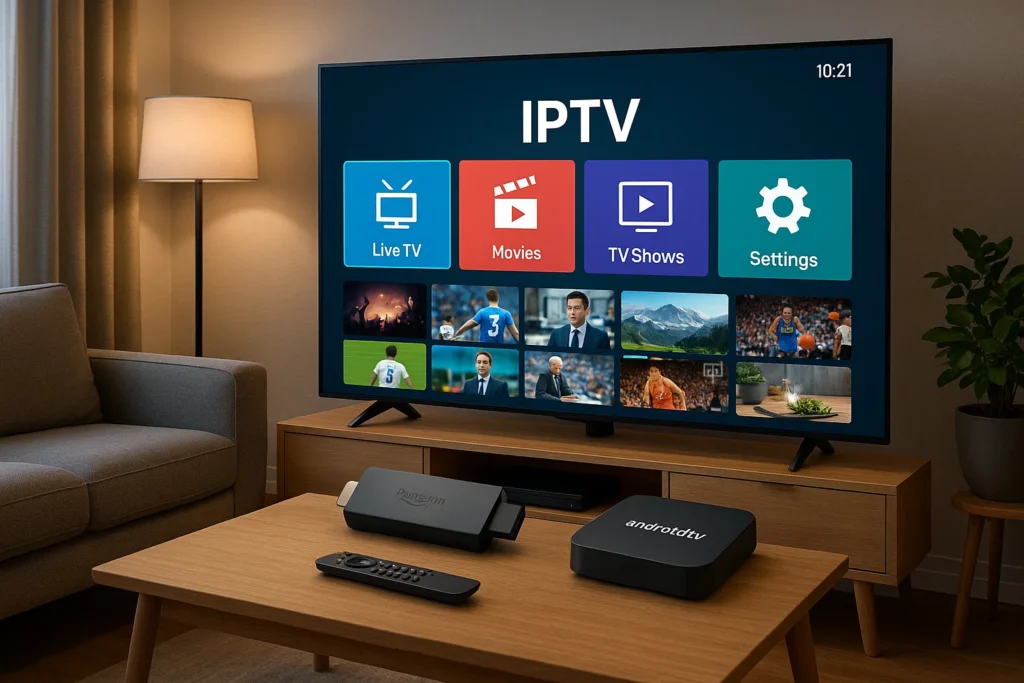
Now that we’ve discussed individual devices, it’s time to compare them to help you decide which one is best for your IPTV needs.
Smart TVs vs. Streaming Devices
- Pros of Smart TVs:
- Built-in apps for IPTV streaming, no additional device required.
- User-friendly interface and often equipped with excellent display features like 4K resolution.
- Direct access to streaming services and IPTV apps.
- Cons of Smart TVs:
- Higher upfront cost, especially for 4K models.
- Limited customization options (you’re stuck with the TV’s operating system and apps).
- Pros of Streaming Devices (Firestick, Roku):
- Affordable, easy-to-use, and portable.
- Many streaming apps and IPTV apps are supported.
- Can be used with older TVs that aren’t Smart-enabled.
- Cons of Streaming Devices:
- May require additional setup or apps for IPTV access.
- Limited processing power, which can impact performance with 4K streaming.
Amazon Firestick vs. Roku: Which is Better for IPTV?
- Amazon Firestick is a powerful choice for IPTV streaming due to its affordability, ease of use, and ability to support popular IPTV apps like IPTV Smarters, TiviMate, and others. It also has excellent support for 4K streaming (on Firestick 4K), making it ideal for high-definition content.
- Roku, on the other hand, offers a simpler interface and a wider variety of mainstream streaming apps, but it may not support some IPTV apps natively. Users can get around this limitation by screen mirroring or using private channels, but these methods may not offer the same smooth experience as Firestick.
The Advantages of Android TV Boxes for IPTV Streaming
Android TV Boxes shine when it comes to customization. Since they run the Android operating system, you can install any app you want, including a wide variety of IPTV apps. Furthermore, Android TV Boxes often come with the latest technology, such as high-end processors and 4K streaming capabilities. This makes them an excellent choice for users looking for an adaptable, powerful IPTV device.
Troubleshooting Common IPTV Streaming Issues
No matter how well your device is set up, you may occasionally run into issues with IPTV streaming. Here’s how to troubleshoot some common problems:
Buffering and Poor Streaming Quality
Buffering can occur when your internet connection is slow or unstable. To fix buffering issues:
- Check your internet speed; it should be at least 5 Mbps for HD streaming and 25 Mbps for 4K.
- Try using an Ethernet connection instead of Wi-Fi for a more stable connection.
- Reduce the number of devices connected to your network to ensure bandwidth isn’t overloaded.
Connectivity Issues with IPTV Devices
If your device isn’t connecting to the internet, try:
- Restarting your router and device.
- Checking Wi-Fi settings to ensure the correct network is selected.
- For devices that connect via Ethernet, check the cable connections.
Troubleshooting Device-Specific Problems
- Firestick: If you’re facing performance issues on Firestick, try restarting it, clearing app data, or reinstalling the IPTV app.
- Smart TVs: For Smart TVs, ensure the software is up to date, and check for app-specific bugs that may need fixing.
Conclusion
Choosing the right device for IPTV streaming depends on your needs, preferences, and budget. Smart TVs offer convenience, but streaming devices like Firestick and Roku provide excellent flexibility at an affordable price. Android TV Boxes, meanwhile, are perfect for those who want full control over their IPTV experience. By considering factors like device performance, compatibility, and ease of use, you can find the perfect device to enjoy your IPTV service to the fullest.
FAQs
Can I Use IPTV Without a Smart TV?
Yes, you can use IPTV with devices like Firestick, Roku, or Android TV Boxes even if you don’t have a Smart TV.
Is Firestick the Best Device for IPTV Streaming?
Firestick is one of the best options for IPTV streaming due to its affordability, ease of use, and support for various IPTV apps.
What’s the Cheapest Device for IPTV Streaming?
The cheapest devices for IPTV streaming are typically Amazon Firestick and Roku, which cost between $30 to $50.
Can IPTV Be Streamed on Older TVs?
Yes, you can stream IPTV on older TVs by using devices like Firestick, Roku, or Android TV Boxes.
How Do I Improve IPTV Streaming Performance?
To improve IPTV streaming, ensure your internet speed is fast enough, use an Ethernet connection, and close unnecessary apps on your device.